Your Knowledge
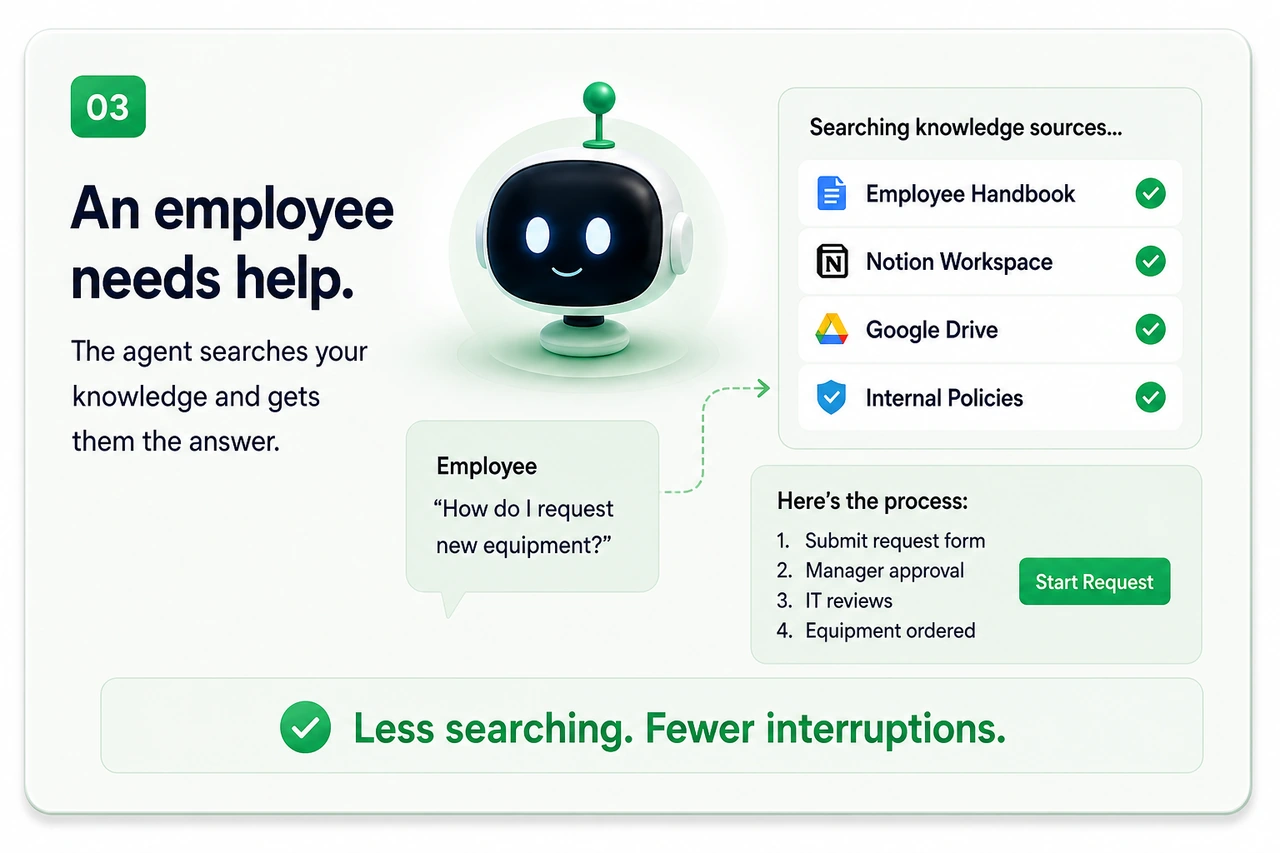
The documents, policies, project history, customer information, and approved sources the workflow can use.
- Internal docs & wikis
- Policies & playbooks
- Knowledge bases
- CRM & customer data
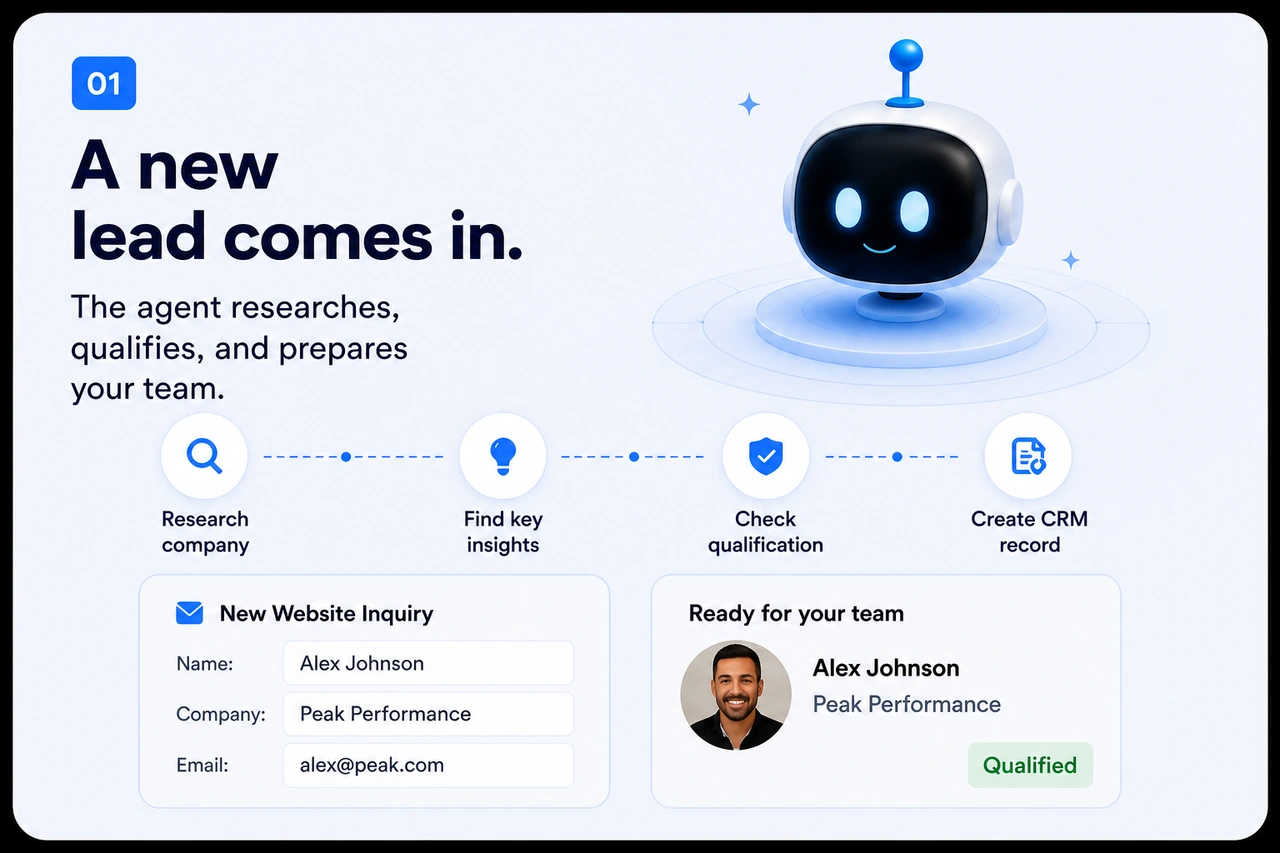
Your work keeps getting stuck between people, systems, and decisions. We design workflows that understand what is happening, take the next approved step, and bring your team in when needed.
Enter to send · Shift + Enter for a new line
Agents use context, tools, rules, and handoffs to move complex work forward.
Clear boundaries, approvals, and handoffs stay in place.
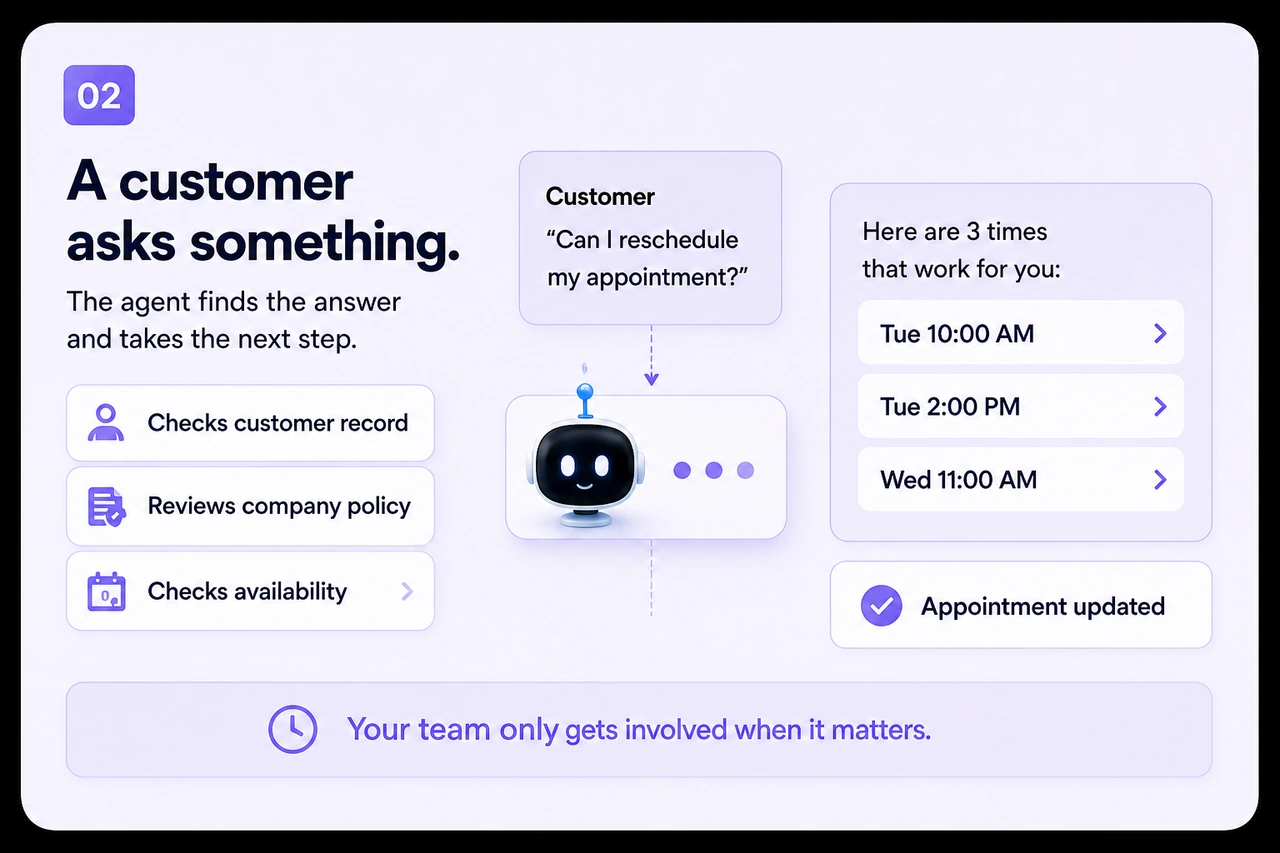
Here are 3 times that work for you:
How we build your AI agent
Assembled to bring together the information, systems, and people involved so routine research, organization, and updating can happen with less manual factors involved.
The documents, policies, project history, customer information, and approved sources the workflow can use.
Connect the tools your business already relies on so information moves between your CRM, email, calendar, support, project, and document systems without forcing you to replace everything.
The decisions, permissions, approvals, limits, and escalation conditions that keep the workflow controlled.
The people, roles, communication preferences, review points, and handoffs that make the workflow useful in practice.
When custom makes sense
simple automations work well when the same trigger should always produce the same action. A more adaptive workflow may help when the work changes from one situation to the next, involving several systems or people, or require judgment before the next step can happen.
“If X happens, do Y.”
ExampleForm submitted → create CRM record.
Understand how agentic workflows make decisions, connect to your systems, and stay within boundaries.
An agentic workflow can interpret context, coordinate multiple steps, use connected tools, and choose between approved next actions. Unlike a fixed automation, it can respond differently when the information or situation changes.
It can gather updated information, compare it with the current request, check the relevant rules, and adjust the next step within its permissions. If the change creates uncertainty or falls outside the workflow’s boundaries, it can pause and involve a person.
It can be configured to work with the systems involved in the process, such as your CRM, email, calendar, support platform, project tools, documents, and other business software. The systems and actions connected depend on the workflow’s purpose and permissions.
Yes. People can define the workflow’s rules, permissions, approval points, and escalation paths. The workflow can handle approved routine steps while your team remains responsible for decisions that require judgment, authorization, or accountability.
Permissions are defined during the workflow design and enforced through the connected tools, user roles, access controls, and approval rules. The workflow is only given access to the information and actions it needs for its assigned purpose.
The workflow can be configured to pause before taking further action, identify what is missing or restricted, and route the situation to the appropriate person. Actions, failures, and handoffs can also be recorded so the team can review and correct the process.
Work that is completely predictable may be better handled by simple automation. An agentic workflow may also be inappropriate when the risk is too high for delegated action, the information is unreliable, or the process has not yet been clearly understood. In those cases, a simpler system or direct human control may be the better choice.
Measure the change in the work, not just whether the agent completed a task. Useful measures can include less manual coordination, faster handoffs, fewer repeated updates, fewer errors, faster response times, more consistent completion, and more time available for higher-value work.
The workflow should be reviewed as people use it. The team can monitor outcomes, identify exceptions, adjust rules or permissions, improve its information sources, and refine the handoffs. It should evolve with the business instead of being treated as a system that never needs attention.